Where Z-Image Fits in a Practical 2026 Creative Workflow
A grounded look at fast image generation, human review, provenance, iteration, and the role of Z-Image in real creative production.
By Z-Image Photo Editorial Team
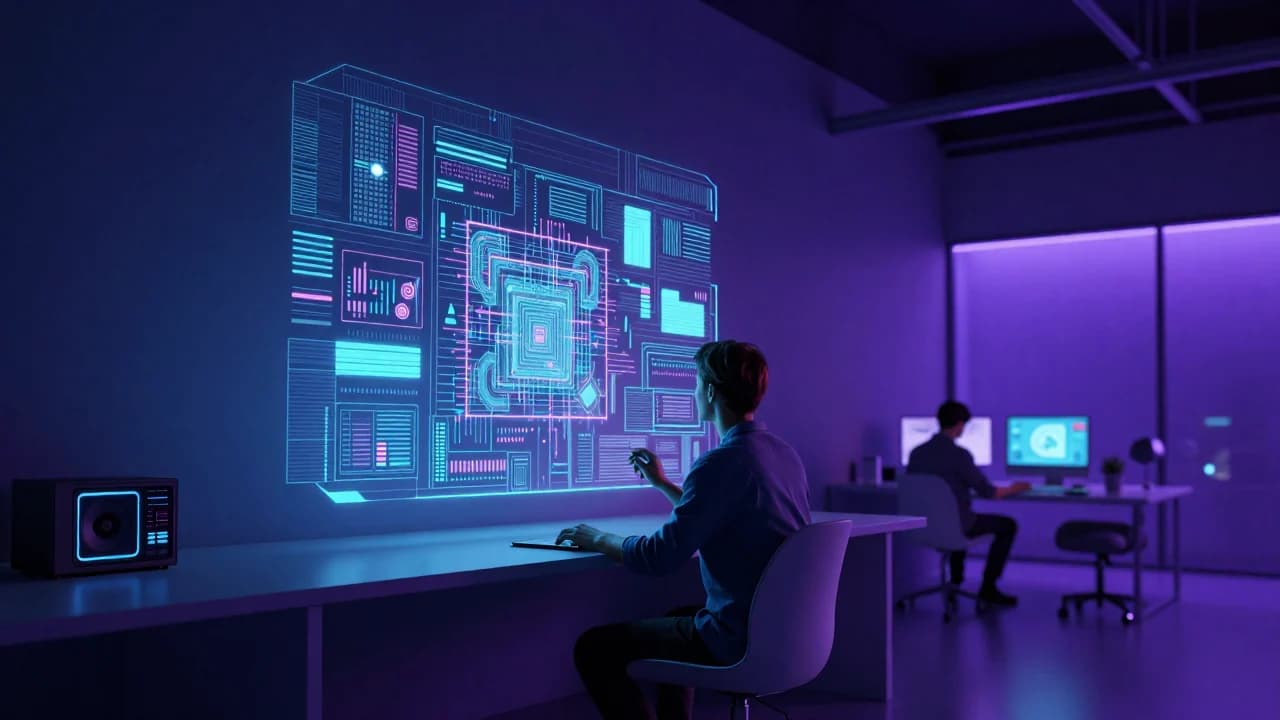
The useful question in 2026 is not whether image generation replaces every creative task. It is where a fast model improves the workflow and where human judgment, verified assets, and specialist tools remain essential.
742066. It is a visual interpretation of human–AI collaboration, not a photograph of a deployed product.
Z-Image's place in the model landscape
The official project presents Z-Image as a 6B-parameter family. Turbo focuses on efficient few-step generation; the foundation model supports broader controllability; separate Omni and Edit variants target generation and editing workflows. Our public site currently provides a Turbo-style text-to-image experience, so references to editing models should not be confused with features available here.
A practical five-stage workflow
1. Brief and constraints
Define audience, format, required objects, prohibited elements, brand constraints, and the final review owner. A model cannot infer business rules that are missing from the brief.
2. Visual exploration
Use fast generation to compare lighting, composition, color palette, and art direction. Keep seeds and prompts so promising directions can be revisited.
3. Selection and correction
Review full-resolution outputs for text, anatomy, product accuracy, repeated objects, and cultural details. Regenerate or move the asset into an editing workflow when correction is needed.
4. Production
Add verified logos and typography in design software. For real products or people, composite approved source photography when factual accuracy matters.
5. Disclosure and provenance
Record how the image was made and disclose AI assistance when the audience would reasonably expect to know. Preserve prompts, seeds, source assets, editing steps, and usage rights.
Where fast generation adds the most value
- Early campaign concepts and moodboards.
- Alternative compositions before a photo shoot.
- Fictional environments, illustrations, and visual metaphors.
- Prompt testing and art-direction communication.
- Background concepts that will later receive verified products or typography.
What remains a human responsibility
Humans remain responsible for accuracy, consent, brand safety, cultural context, copyright and licensing review, disclosure, accessibility text, and the decision to publish. Faster generation increases the number of options; it does not remove the need for editorial judgment.
Start a controlled experiment in the Z-Image generator, record the prompt and seed, then use our product workflow or portrait guide for a more specific process.
Sources and test record
The cover image was generated with Z-Image using seed 742066. AI-generated images and lettering can contain errors; inspect outputs before publishing.
Show the cover prompt
Near-future creative studio where an artist collaborates with an AI image system represented by floating layers of light and visual concepts, human-centered design, cinematic interior.
Try these ideas in the generator
Open the AI image generator and test the prompts, styles, and text-to-image workflows from this article.
Related Articles
Keep exploring more prompt guides, model comparisons, and AI image generation tutorials.

50 Z-Image Turbo Prompts Tested: What Actually Works
Patterns from 50 documented Z-Image generations across portraits, products, architecture, fantasy, illustration, nature, and text-bearing scenes.
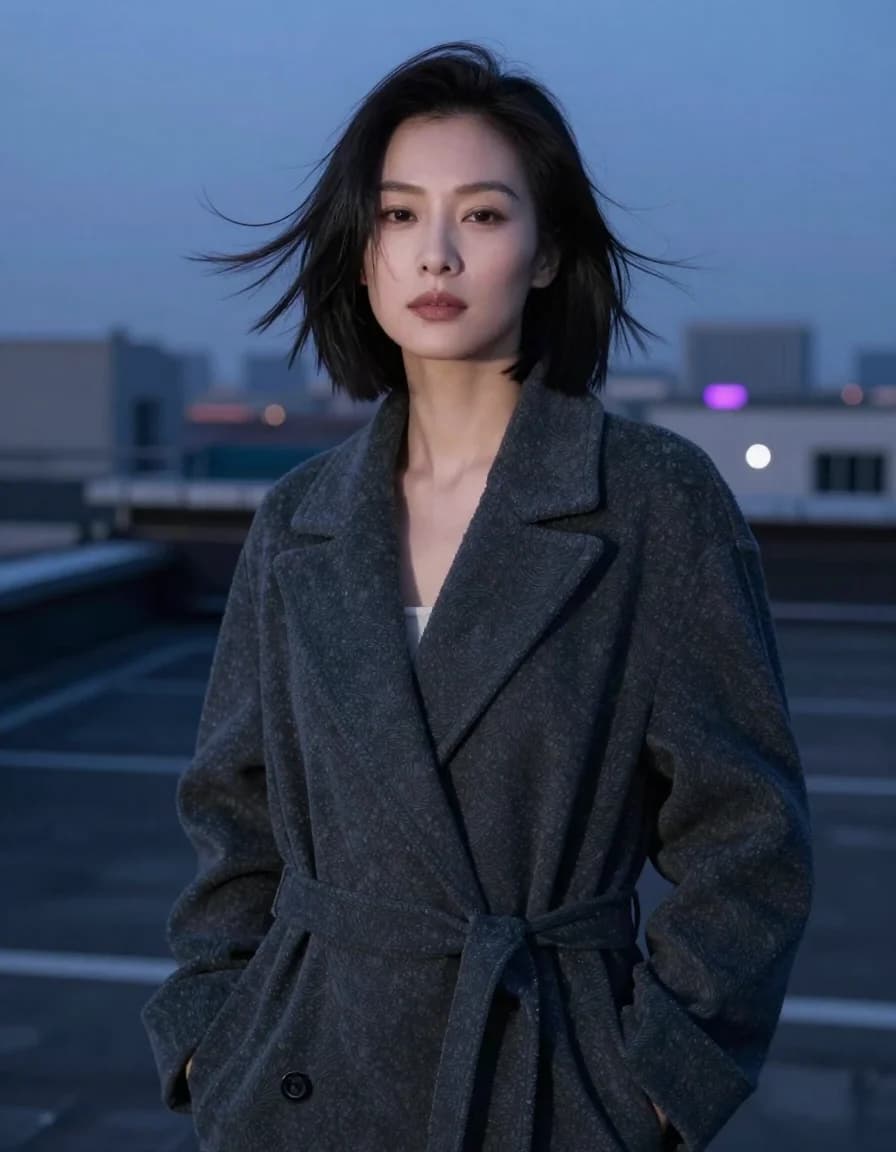
Best Z-Image Prompt Structure: Subject, Light, Camera and Composition
A practical Z-Image prompt order that turns vague style requests into visible direction for subjects, lighting, camera, composition, materials, and constraints.
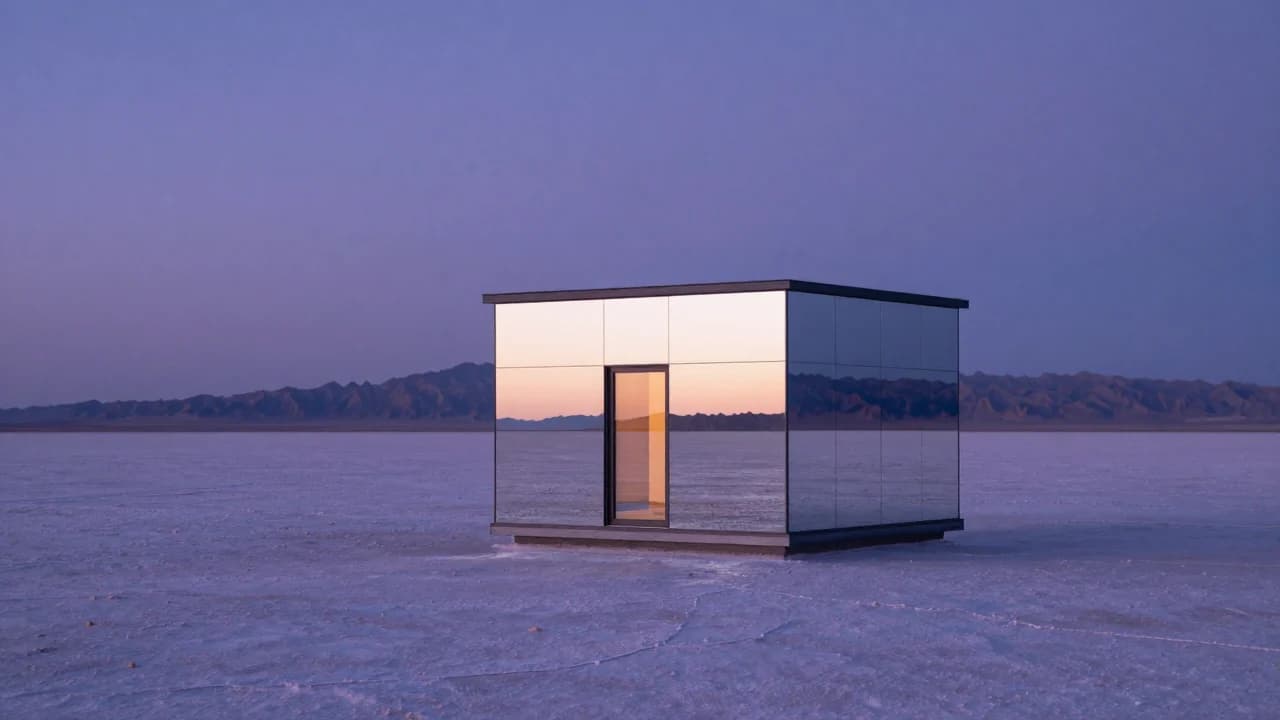
Common Z-Image Prompt Mistakes and How to Fix Them
Fix vague quality words, conflicting lights, overloaded scenes, ambiguous counts, plastic skin, impossible reflections, and unreliable generated text.