Photorealistic Z-Image Portraits: Lighting, Lenses, and Prompts
Build more natural portrait prompts with clear subject direction, believable light, camera language, skin texture, and an honest anatomy review.
By Z-Image Photo Editorial Team
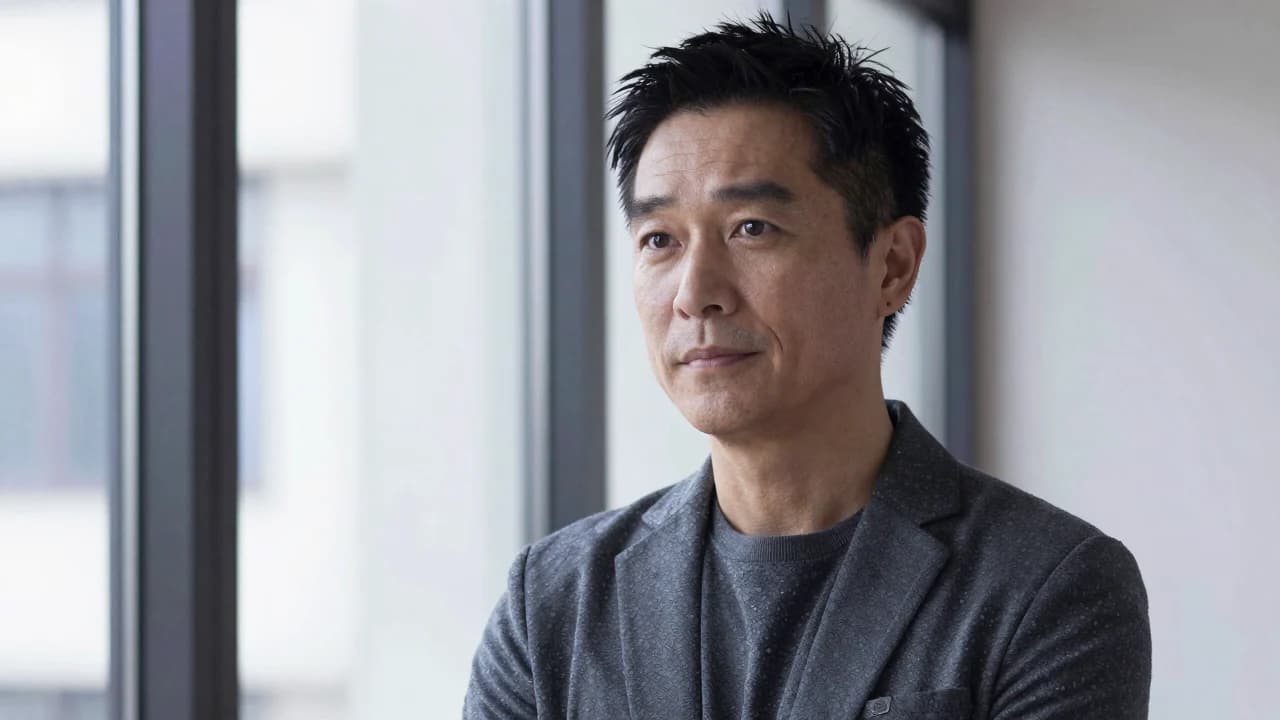
Photorealistic portrait prompts are more reliable when they describe a believable photographic setup. Repeating “8K,” “masterpiece,” and “ultra realistic” does not define the subject, light, pose, or camera position.
742065. The result delivered a coherent adult portrait, natural window light, visible skin texture, and clean clothing edges. It is a generated person, not a photograph of a real individual.
Start with a complete subject description
State that the subject is an adult, then describe presentation, wardrobe, expression, and pose without overloading the prompt with conflicting traits.
Adult East Asian architect, calm confident expression, charcoal blazer, seated beside a large studio window, shoulders turned slightly away from camera, looking toward the lens.
Use one believable lighting setup
- Soft window light: broad, natural illumination with gentle facial transitions.
- Rembrandt-style key: directional light with a controlled triangular highlight on the shadow cheek.
- Blue-hour exterior: cool ambient light with a warmer practical light in the background.
A prompt that asks for noon sun, candlelight, neon, and a soft studio setup at the same time gives the model conflicting priorities.
Camera language controls composition
“85mm portrait lens look” suggests compressed perspective and is useful for head-and-shoulders portraits. A 35mm environmental portrait includes more context. Aperture language such as “shallow depth of field” can separate the subject, but extremely blurred backgrounds may erase useful setting details.
Ask for texture, not perfection
Useful phrases include natural skin texture, fine facial hair, subtle under-eye detail, realistic fabric weave, and restrained color grading. Avoid asking for flawless plastic skin if the goal is photographic realism.
Review anatomy and identity carefully
- Inspect hands, ears, teeth, glasses, earrings, and hairlines at full size.
- Check whether reflections and catchlights agree with the described light.
- Generate several seeds rather than assuming the first result is representative.
- Do not present a generated person as a real employee, customer, or expert.
Reusable portrait prompt
Adult creative professional in a quiet modern office, head-and-shoulders three-quarter portrait, calm expression, charcoal jacket, soft window key light from camera left, faint blue rim light, 85mm editorial photography, natural skin texture, realistic hair, neutral background, no text.
Test the prompt in the AI portrait generator and compare the structure with our Z-Image feature and limitations guide.
Sources and test record
The cover image was generated with Z-Image using seed 742065. AI-generated images and lettering can contain errors; inspect outputs before publishing.
Show the cover prompt
Photorealistic editorial portrait of an adult East Asian creative professional by a large window, natural skin texture, detailed eyes and hair, charcoal wardrobe, 85mm lens look, soft daylight.
Try these ideas in the generator
Open the AI image generator and test the prompts, styles, and text-to-image workflows from this article.
Related Articles
Keep exploring more prompt guides, model comparisons, and AI image generation tutorials.
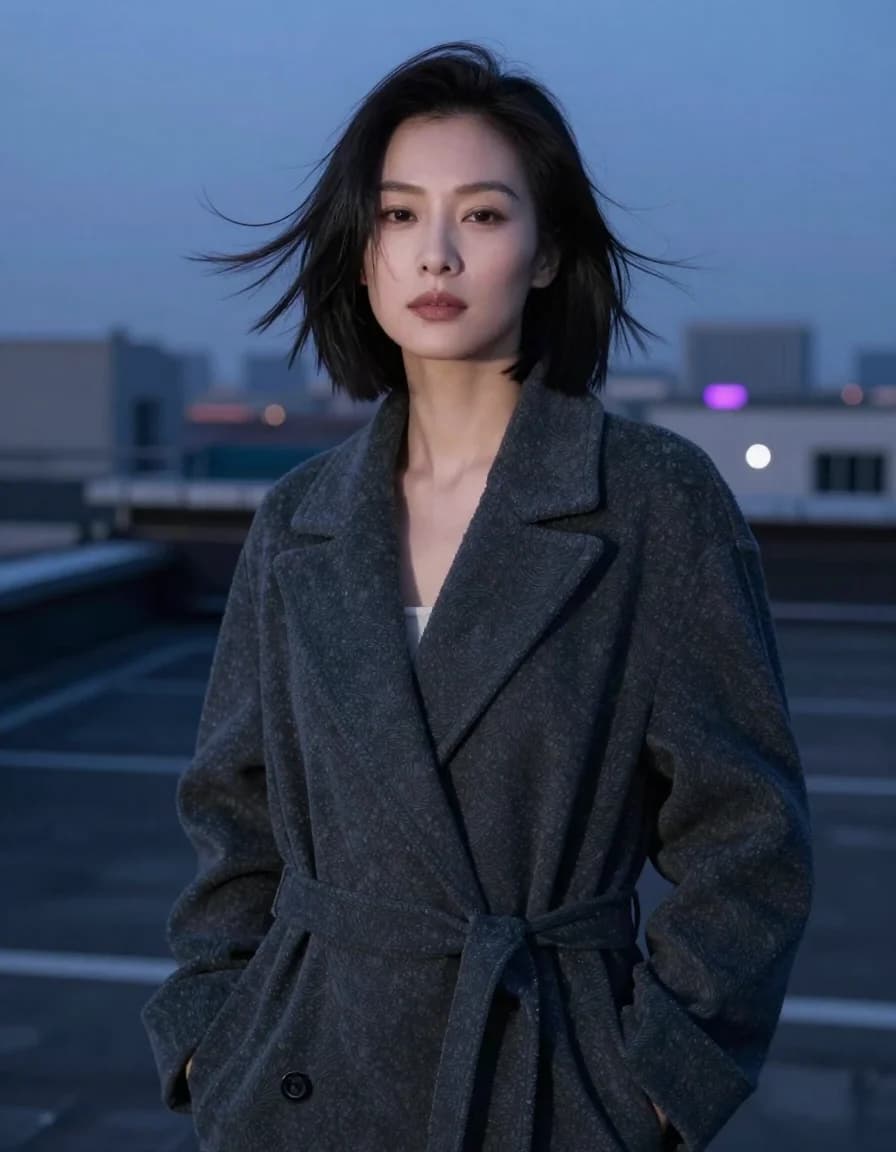
Best Z-Image Prompt Structure: Subject, Light, Camera and Composition
A practical Z-Image prompt order that turns vague style requests into visible direction for subjects, lighting, camera, composition, materials, and constraints.
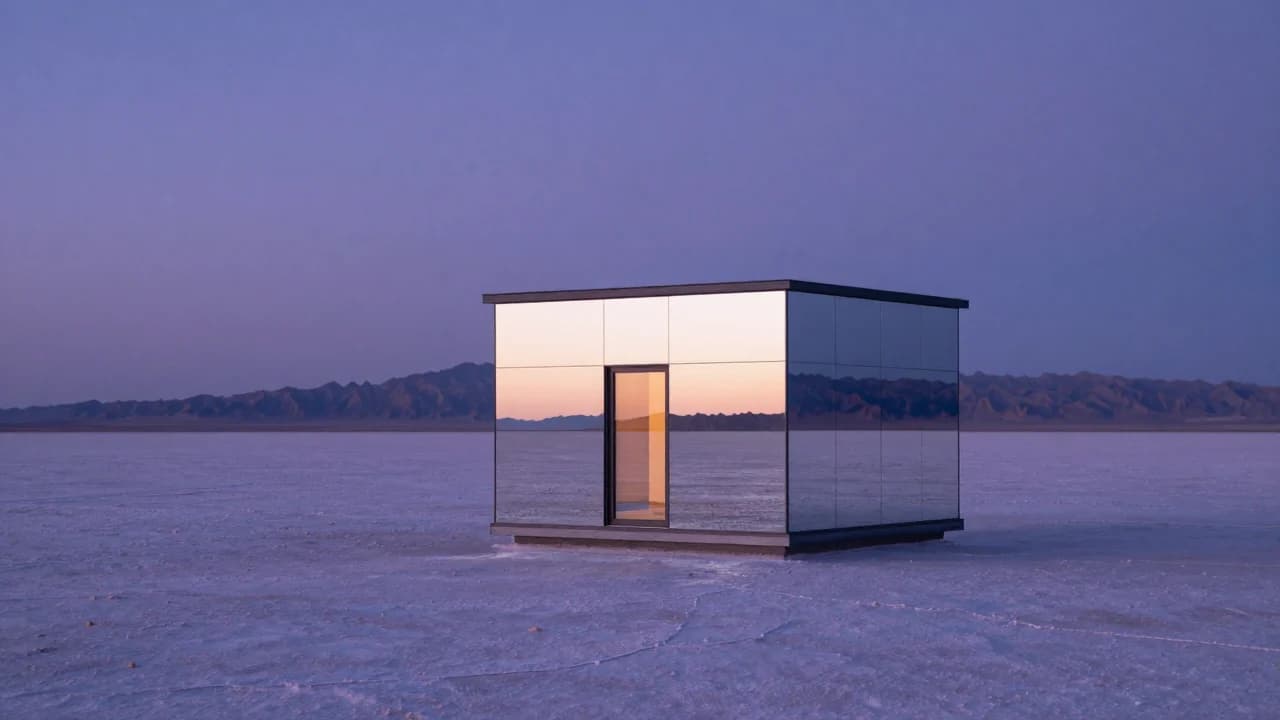
Common Z-Image Prompt Mistakes and How to Fix Them
Fix vague quality words, conflicting lights, overloaded scenes, ambiguous counts, plastic skin, impossible reflections, and unreliable generated text.
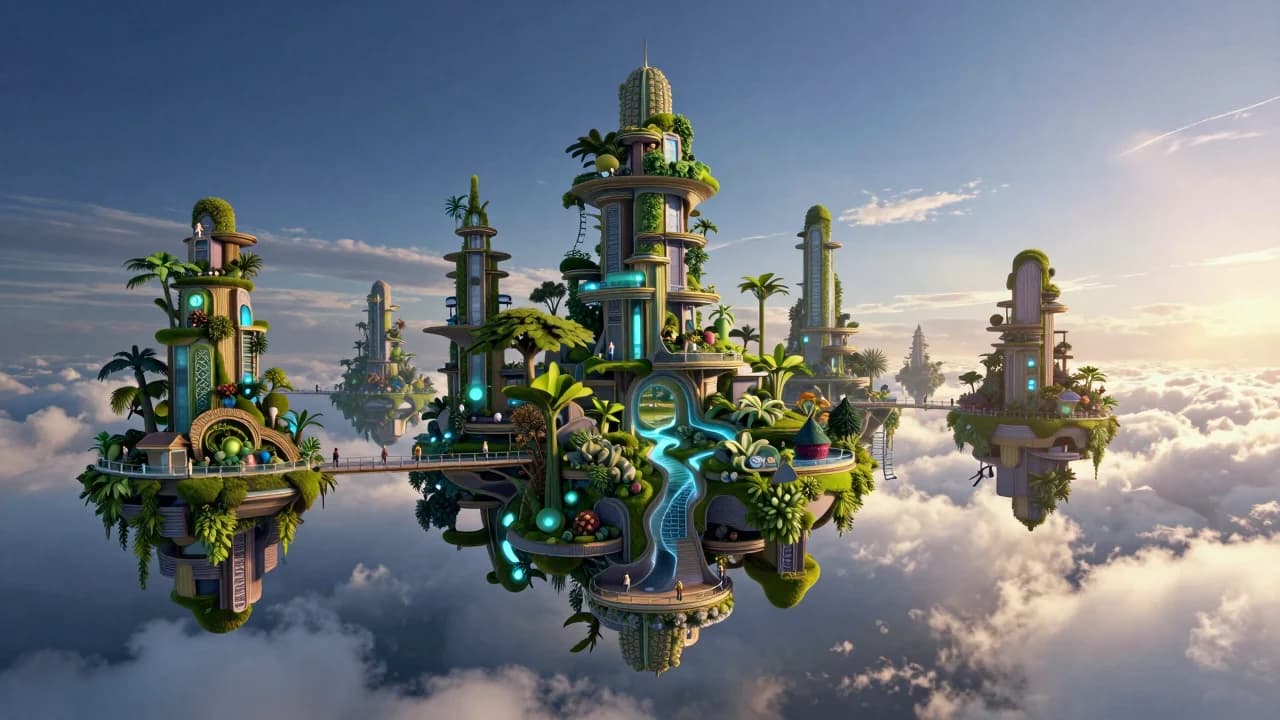
50 Z-Image Turbo Prompts Tested: What Actually Works
Patterns from 50 documented Z-Image generations across portraits, products, architecture, fantasy, illustration, nature, and text-bearing scenes.