Z-Image for E-commerce Product Photography: A Safer Prompt Workflow
Learn how to create product-scene concepts with Z-Image while protecting packaging accuracy, brand details, disclosure, and marketplace compliance.
By Z-Image Photo Editorial Team
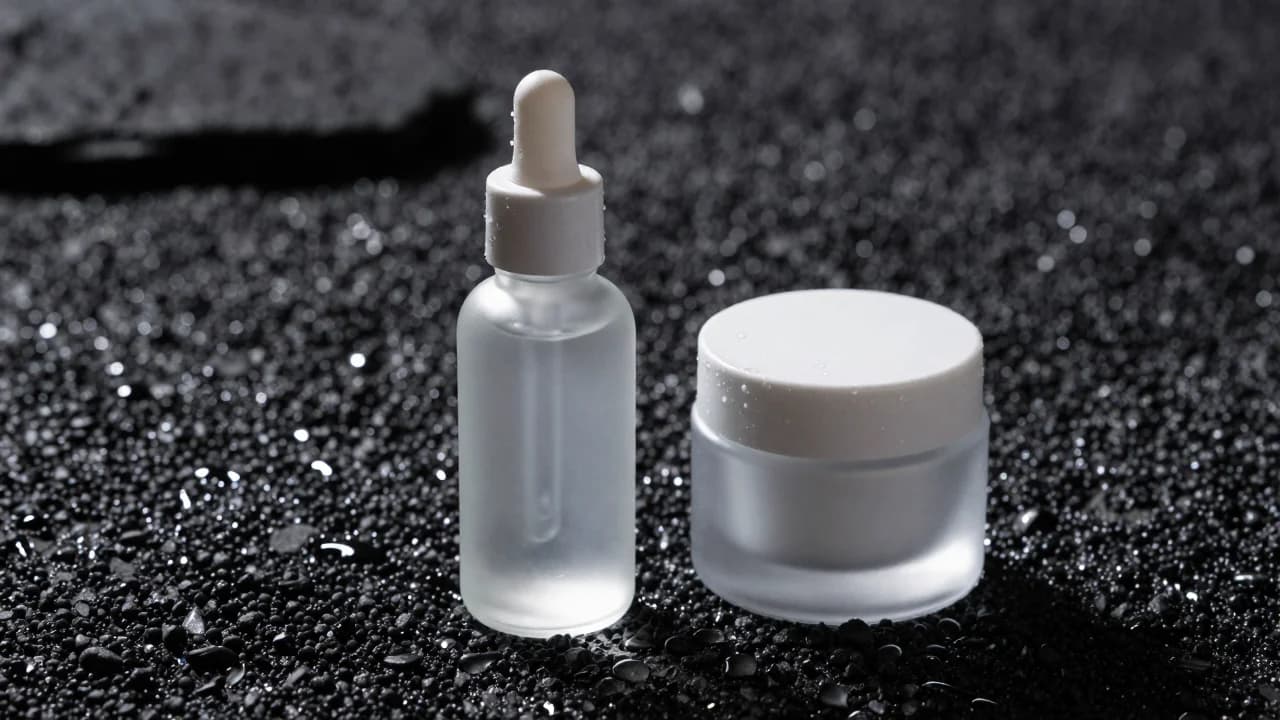
Z-Image can create polished product-photo concepts, but text-to-image generation is not the same as photographing or precisely editing a real product. The safest commercial workflow separates scene ideation from SKU accuracy.
842064. The first attempt invented label-like characters even though the prompt requested an unbranded product. A stricter second prompt produced the clean blank containers shown here. This is why packaging must be checked at full size.
Choose the right type of product image
- Concept image: invents both the object and scene. Useful for moodboards and fictional products.
- Background concept: creates lighting and environment that can later be composited with a verified product photograph.
- Final listing image: must accurately represent the item, packaging, quantity, included accessories, and required labels.
Our current website generates from text. It does not ingest your existing product photo, so it should not be described as a precision product-editing tool.
A structured product prompt
Unbranded frosted glass serum bottle on charcoal stone, centered three-quarter view, soft window key light from the left, narrow blue rim light, realistic water droplets, 85mm product photography, clean background, no text, no logo, no extra containers.
Describe material before style
State whether the product is clear glass, frosted glass, brushed metal, paper, ceramic, or fabric. Then describe the lighting that reveals that material. Generic terms like “premium” are less useful than concrete physical properties.
Control the count and camera angle
Specify “one bottle” and a front, side, top-down, or three-quarter view. Repeated objects and ambiguous counts increase the chance of extra caps, duplicate products, or inconsistent packaging.
Keep brand typography out of the generation step
AI-generated labels may look plausible at thumbnail size while containing nonsense at full resolution. For a real brand, use the generated scene as art direction and composite verified packaging artwork afterward.
Pre-publication checklist
- Compare shape, color, volume, cap, and accessories with the real SKU.
- Zoom in on reflections, contact shadows, label edges, and small text.
- Confirm the image does not imply ingredients, performance, or included items that are not real.
- Follow the rules of the marketplace and advertising channel where it will appear.
- Keep the original product photography and generation record for review.
Use the Z-Image generator to explore product environments, then review our AI text workflow before adding packaging or campaign copy.
Sources and test record
The cover image was generated with Z-Image using seed 842064. AI-generated images and lettering can contain errors; inspect outputs before publishing.
Show the cover prompt
Premium product photograph of one completely unbranded frosted glass skincare dropper bottle and one blank matte cosmetic jar on black volcanic stone, no labels, letters, symbols, or markings.
Try these ideas in the generator
Open the AI image generator and test the prompts, styles, and text-to-image workflows from this article.
Related Articles
Keep exploring more prompt guides, model comparisons, and AI image generation tutorials.

50 Z-Image Turbo Prompts Tested: What Actually Works
Patterns from 50 documented Z-Image generations across portraits, products, architecture, fantasy, illustration, nature, and text-bearing scenes.
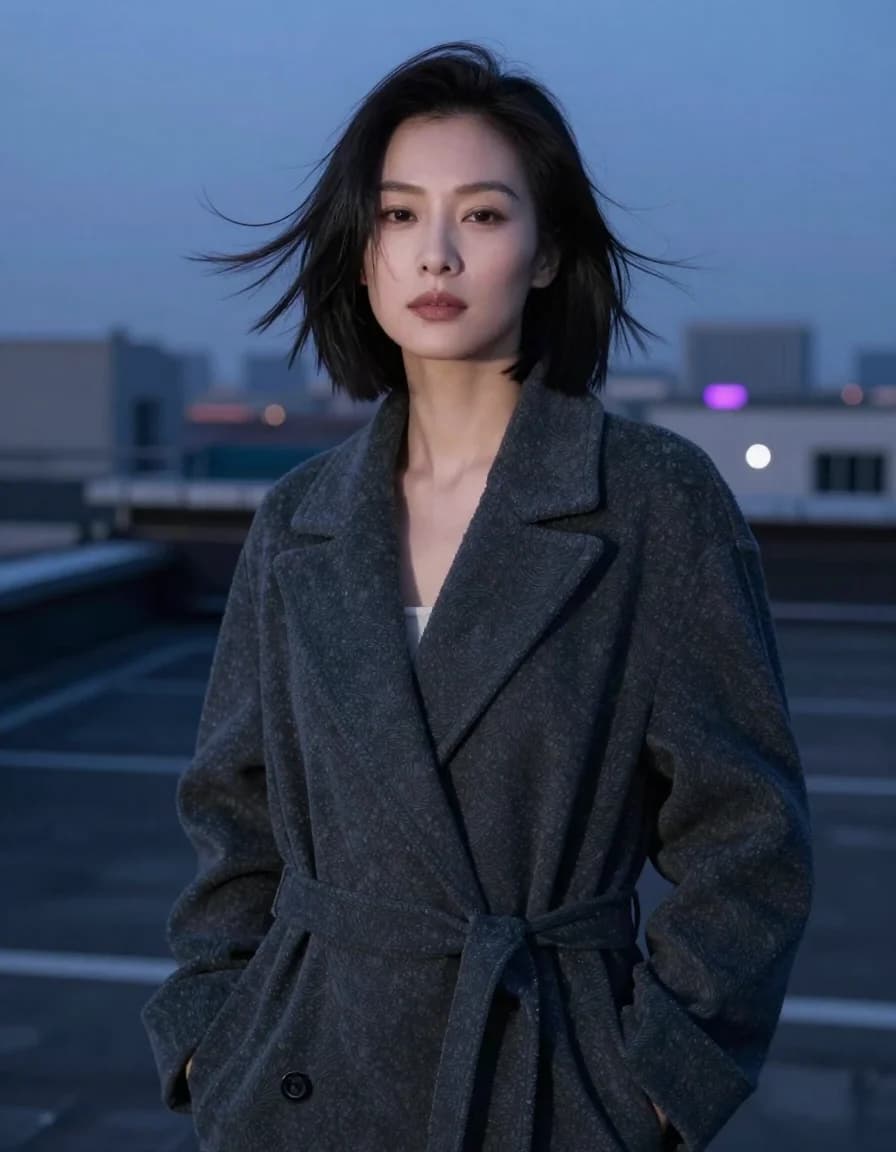
Best Z-Image Prompt Structure: Subject, Light, Camera and Composition
A practical Z-Image prompt order that turns vague style requests into visible direction for subjects, lighting, camera, composition, materials, and constraints.
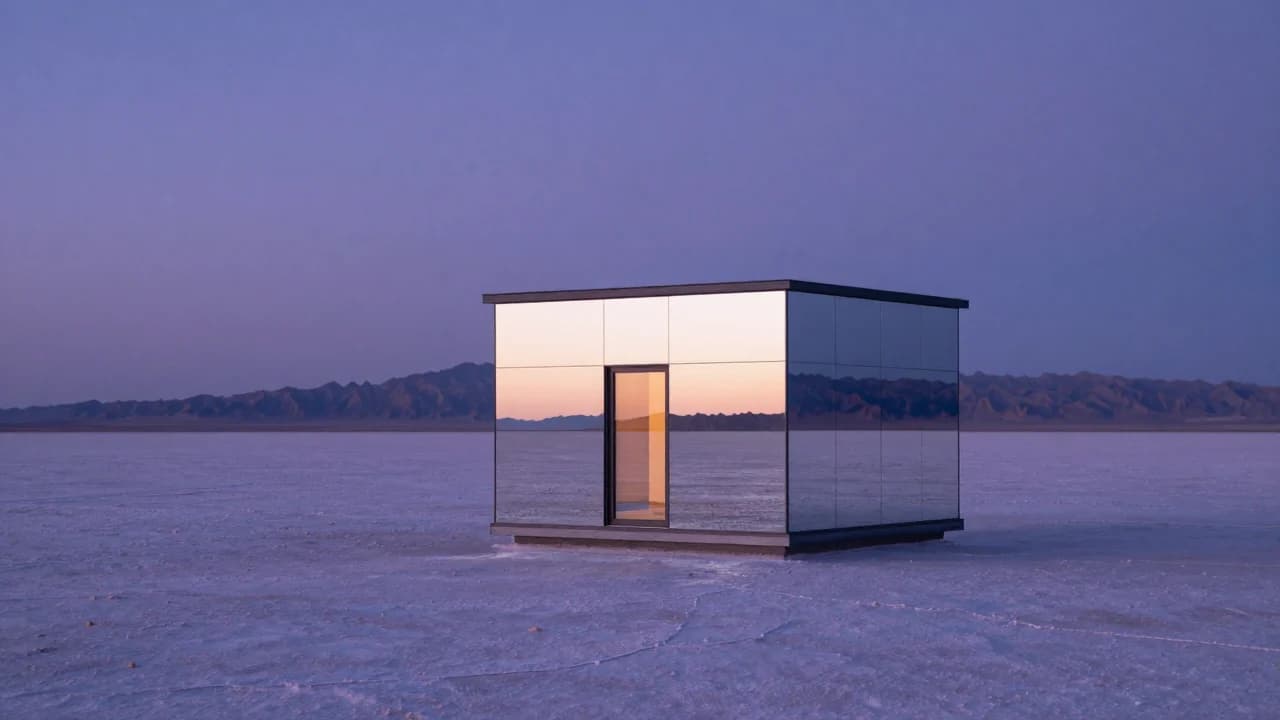
Common Z-Image Prompt Mistakes and How to Fix Them
Fix vague quality words, conflicting lights, overloaded scenes, ambiguous counts, plastic skin, impossible reflections, and unreliable generated text.