Z-Image Turbo Explained: Features, Strengths, and Real Limits
A source-backed guide to the 6B-parameter Z-Image family, its Turbo workflow, bilingual prompting, photorealism, and the limitations users should verify.
By Z-Image Photo Editorial Team
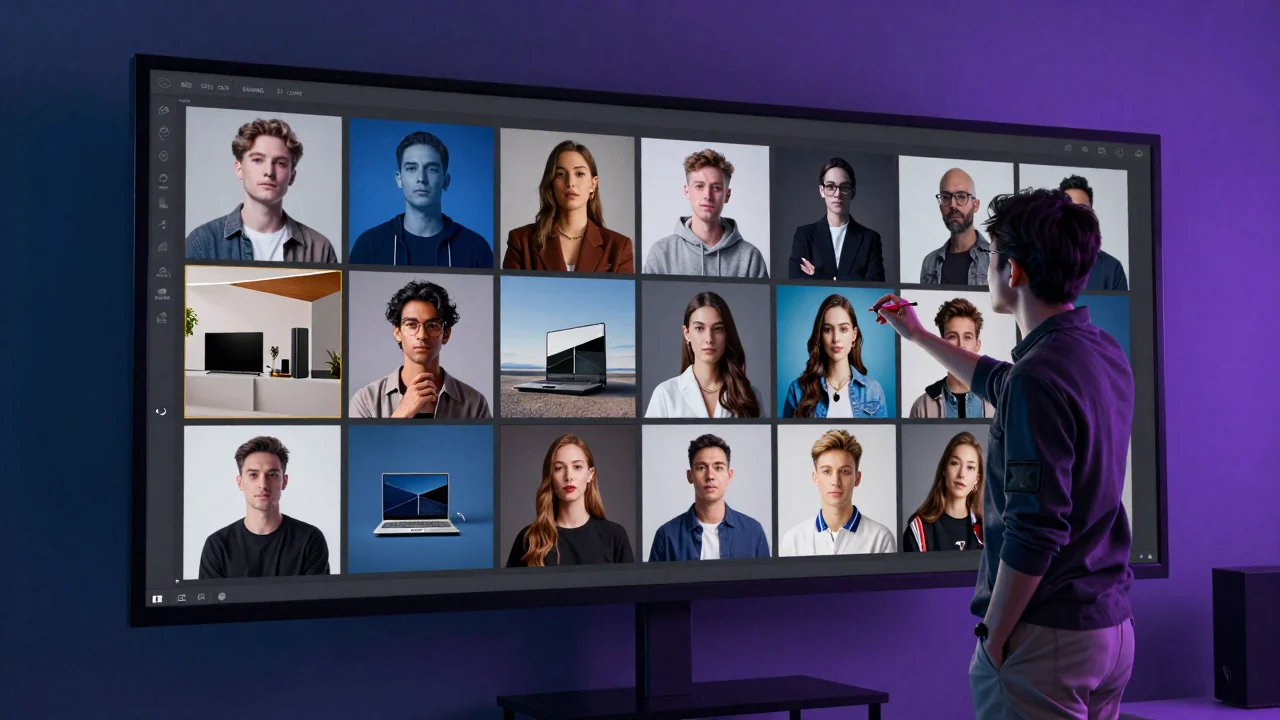
Z-Image is a family of image-generation models from the Tongyi-MAI team. The official project describes a 6B-parameter architecture and several variants, including Z-Image-Turbo for fast generation, a foundation model for controllable generation, and separate editing-focused checkpoints. This website currently exposes a text-to-image workflow built around the Turbo experience; it does not expose every capability in the full model family.
742061. Results on your hardware or another provider may differ.
What Z-Image Turbo is designed to do
The official repository says Z-Image-Turbo uses a distilled few-step process that requires eight model forward passes. Its reported sub-second latency refers to an enterprise-grade H800 GPU, not every website request or consumer device. Real end-to-end time also includes queueing, model loading, network transfer, safety checks, and image delivery.
- Photorealistic generation: portraits, products, interiors, and editorial scenes are core strengths highlighted by the model authors.
- Chinese and English prompts: the model is designed for bilingual instruction following and text rendering, although generated lettering still needs inspection.
- Efficient deployment: the official project states that Turbo can fit within 16GB of VRAM, depending on precision and runtime configuration.
- Fast iteration: a few-step model is useful when exploring composition and art direction before selecting a final result.
Where it performs well in our workflow
Clear subjects and art direction
Prompts work better when they specify the subject, environment, composition, lighting, and visual medium. A short but structured description usually gives the model more useful constraints than a long list of quality buzzwords.
Adult product designer in a quiet studio, three-quarter portrait, charcoal jacket, soft window light, blue rim light, 85mm editorial photography, natural skin texture.
Material and lighting studies
Glass, wet surfaces, fabric, and controlled studio light can produce convincing results. For commercial work, treat the image as a concept or background until you verify product shape, packaging, reflections, and legal requirements.
Limits worth knowing before you generate
- Text can be misspelled or replaced by symbols, especially when a prompt asks for several words or mixed scripts.
- Hands, small accessories, repeated objects, and distant faces can still contain structural errors.
- A generated product is not a faithful digital twin of a real SKU unless you use a separate editing or compositing workflow.
- Our current public tool is text-to-image only. The wider Z-Image family includes editing models, but those are not exposed here.
Practical takeaway
Z-Image Turbo is most useful as a fast visual ideation and generation model, especially for photorealistic scenes and bilingual prompt understanding. It should not be presented as error-free. Start with the free Z-Image generator, keep the prompt focused, and inspect text, anatomy, and brand details before publishing. For typography-specific guidance, continue to our Chinese and English text test.
Sources and test record
The cover image was generated with Z-Image using seed 742061. AI-generated images and lettering can contain errors; inspect outputs before publishing.
Show the cover prompt
Cinematic editorial scene showing a creative director reviewing diverse AI-generated photographs on a large dark studio display, sophisticated blue and violet lighting, photorealistic modern design studio, no logos or watermark.
Try these ideas in the generator
Open the AI image generator and test the prompts, styles, and text-to-image workflows from this article.
Related Articles
Keep exploring more prompt guides, model comparisons, and AI image generation tutorials.
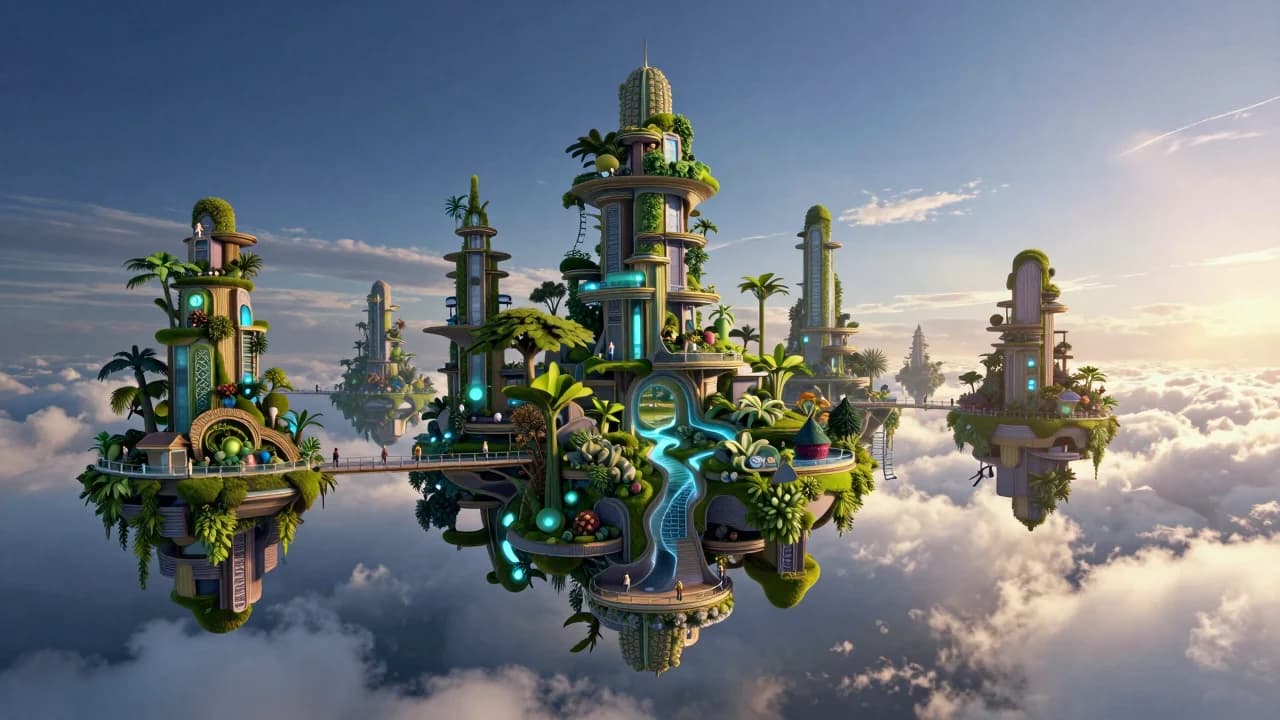
50 Z-Image Turbo Prompts Tested: What Actually Works
Patterns from 50 documented Z-Image generations across portraits, products, architecture, fantasy, illustration, nature, and text-bearing scenes.
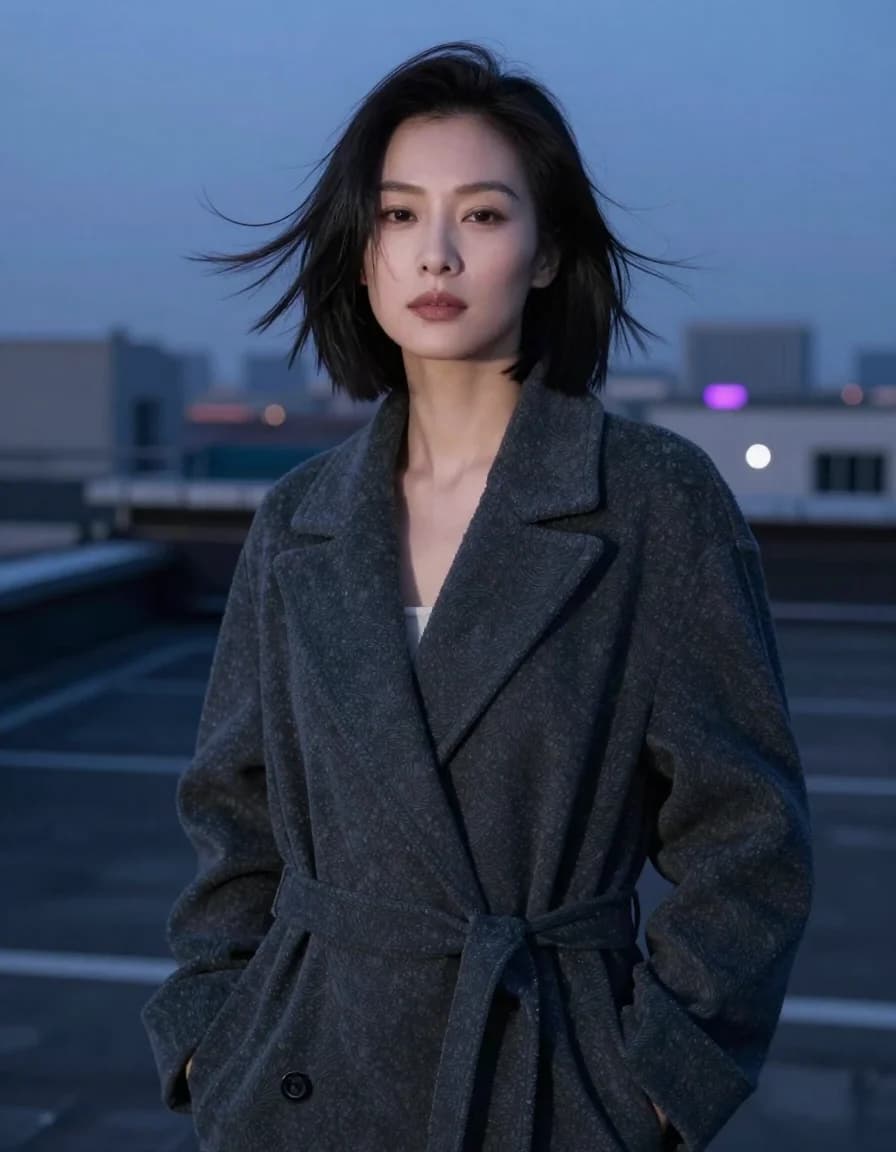
Best Z-Image Prompt Structure: Subject, Light, Camera and Composition
A practical Z-Image prompt order that turns vague style requests into visible direction for subjects, lighting, camera, composition, materials, and constraints.
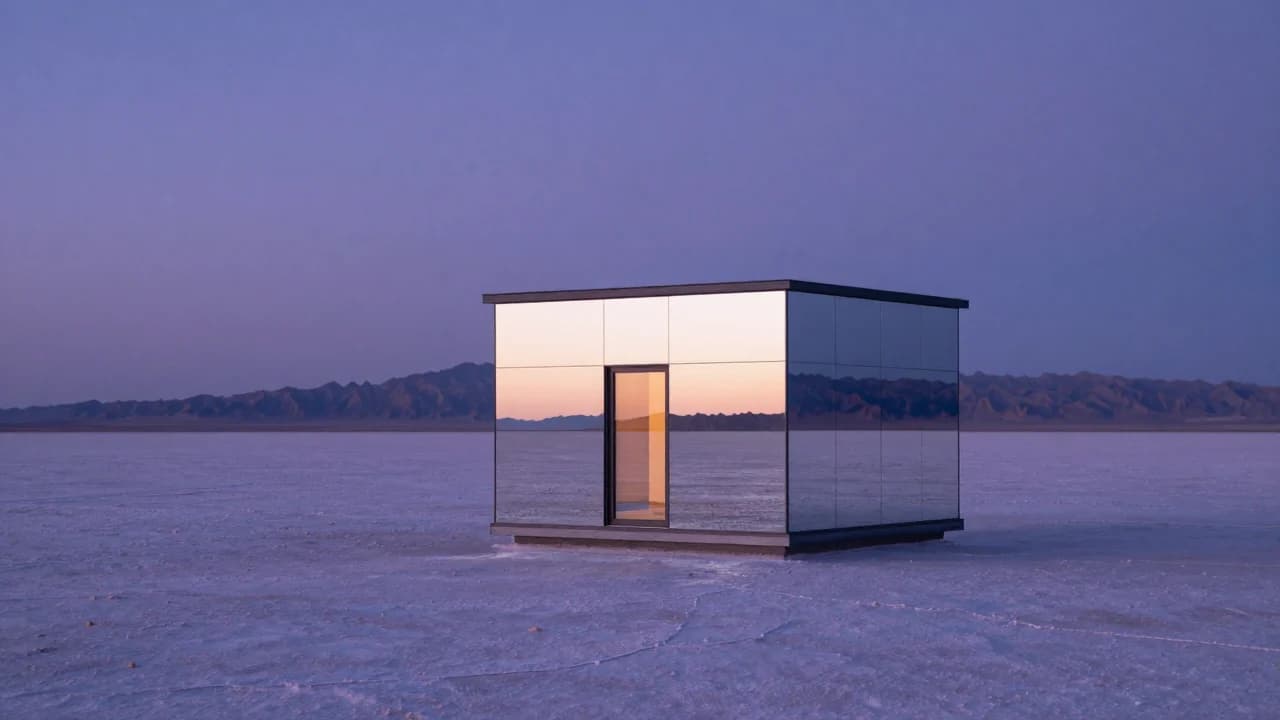
Common Z-Image Prompt Mistakes and How to Fix Them
Fix vague quality words, conflicting lights, overloaded scenes, ambiguous counts, plastic skin, impossible reflections, and unreliable generated text.