How Aspect Ratios Change Z-Image Composition
Learn how square, portrait, landscape, and vertical formats change subject scale, negative space, camera distance, and prompt wording in Z-Image.
By Z-Image Photo Editorial Team
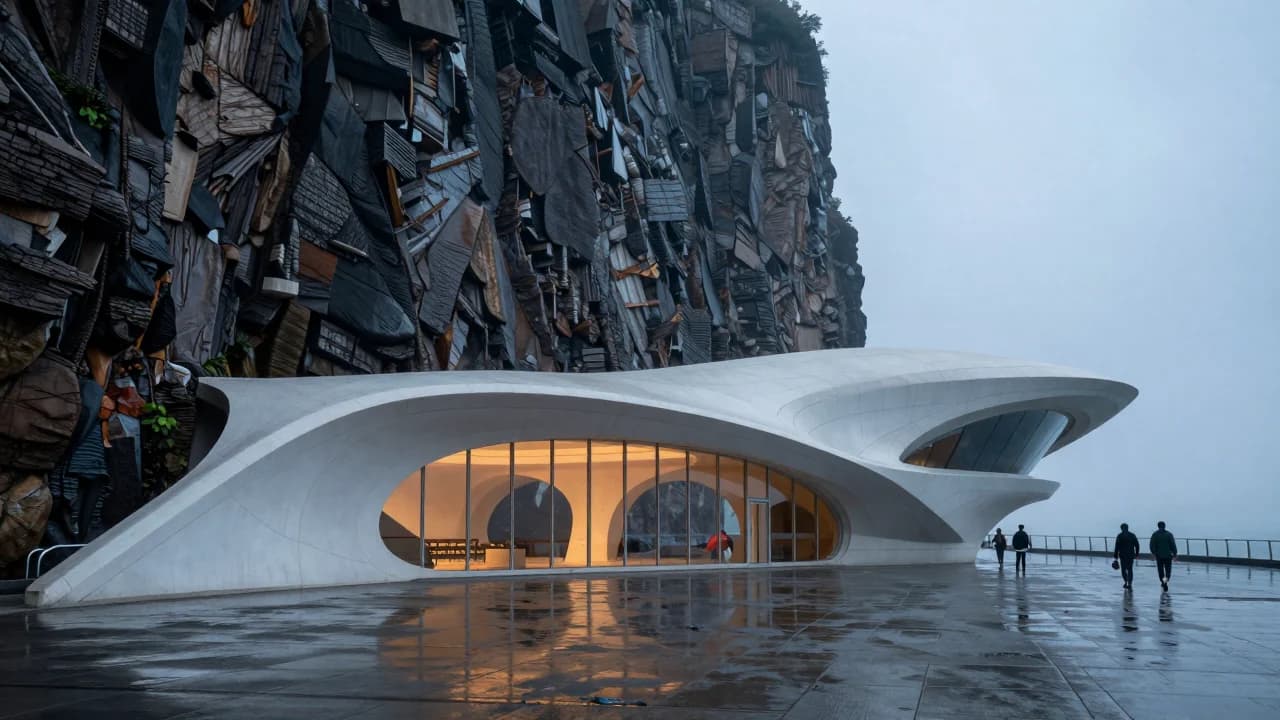
Aspect ratio is a composition instruction. Changing only width and height can alter camera distance, subject scale, background detail, and where the model places negative space.
1:1 square
Useful for centered products, icons, food, and balanced portraits. State off-center placement when you need copy space.
3:4 and 9:16 portrait
Better for full-length people, posters, and vertical architecture. Describe whether the frame should remain close or reveal the environment above and below the subject.
4:3 and 16:9 landscape
Useful for environmental portraits, architecture, transport, and web heroes. Add subject placement and scale cues so the extra width has purpose.
Test ratio without changing the brief
Keep the semantic prompt and seed fixed, change the output format, then record crop, scale, balance, and lost details. Do not compare unrelated prompts.
Try all supported ratios in the Z-Image generator.
Sources and test record
The cover image was generated with Z-Image using seed 930105. AI-generated images and lettering can contain errors; inspect outputs before publishing.
Show the cover prompt
Contemporary coastal art museum carved into a dark cliff, wide establishing composition, white concrete curves, tiny visitors for scale, misty ocean, no signs.
Try these ideas in the generator
Open the AI image generator and test the prompts, styles, and text-to-image workflows from this article.
Related Articles
Keep exploring more prompt guides, model comparisons, and AI image generation tutorials.
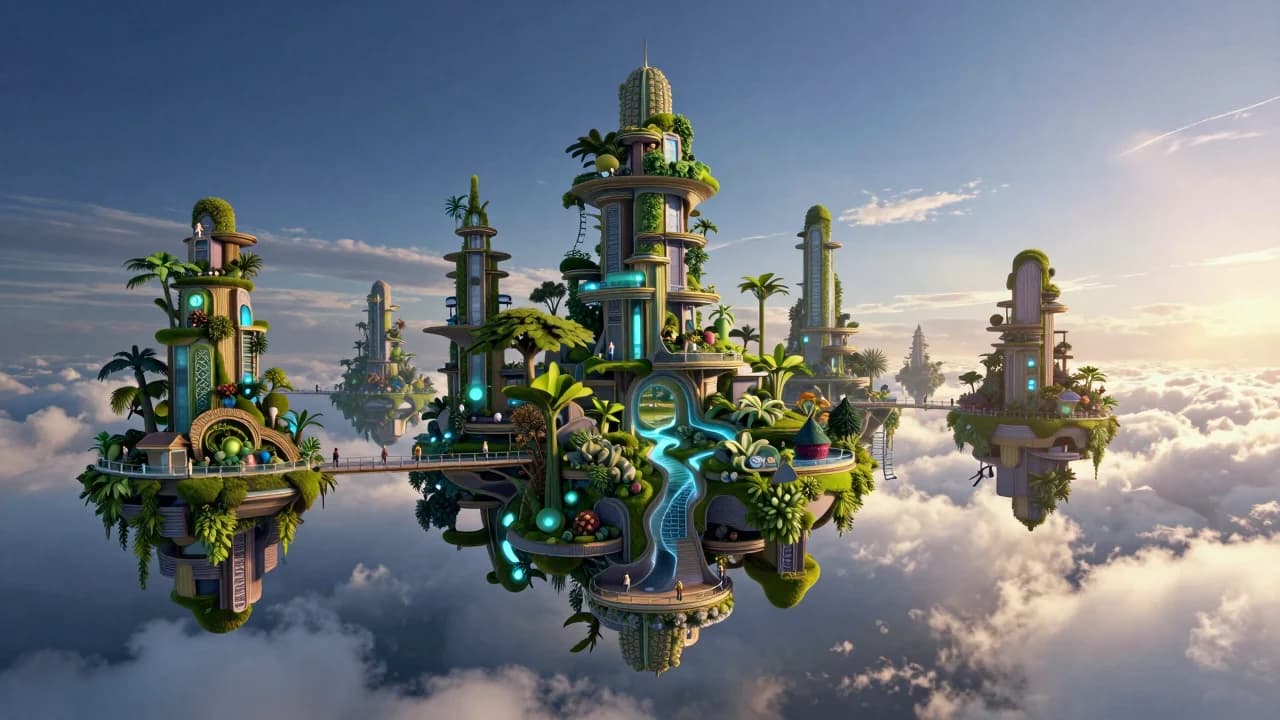
50 Z-Image Turbo Prompts Tested: What Actually Works
Patterns from 50 documented Z-Image generations across portraits, products, architecture, fantasy, illustration, nature, and text-bearing scenes.
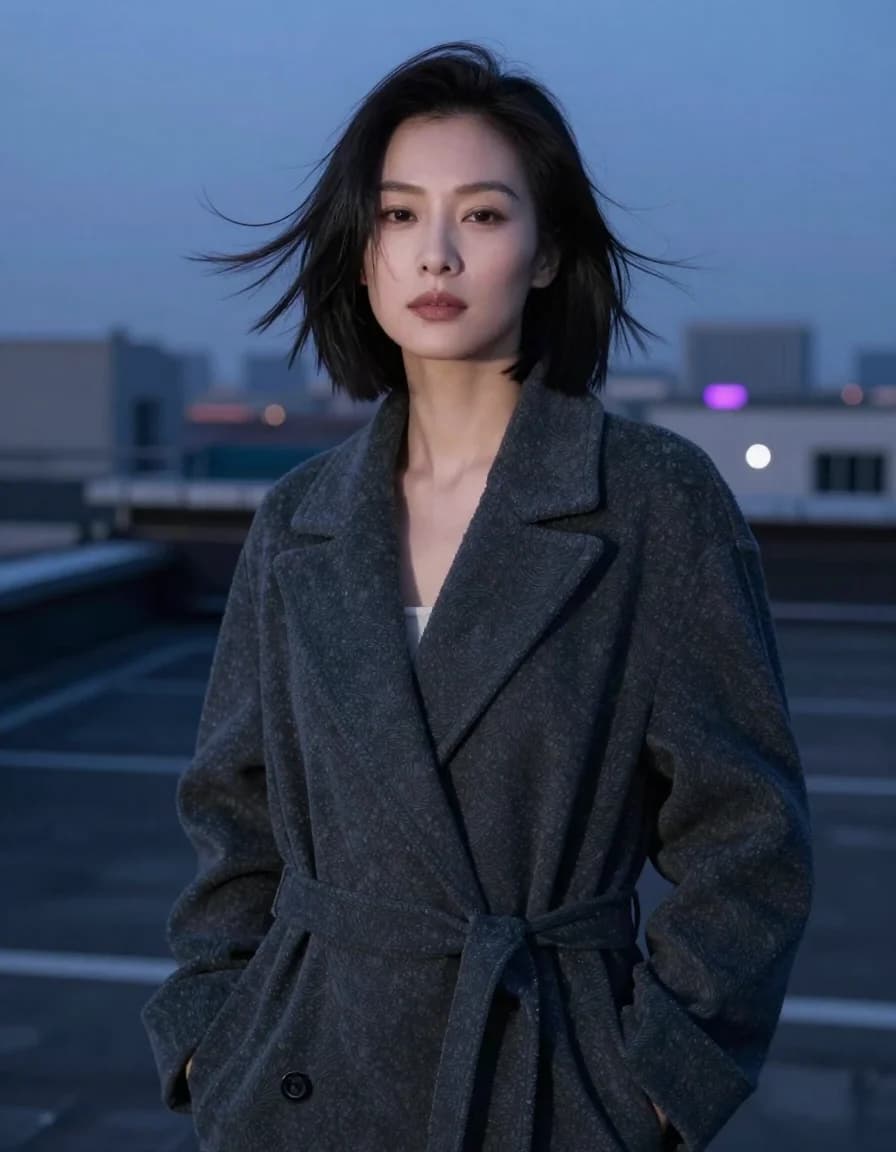
Best Z-Image Prompt Structure: Subject, Light, Camera and Composition
A practical Z-Image prompt order that turns vague style requests into visible direction for subjects, lighting, camera, composition, materials, and constraints.
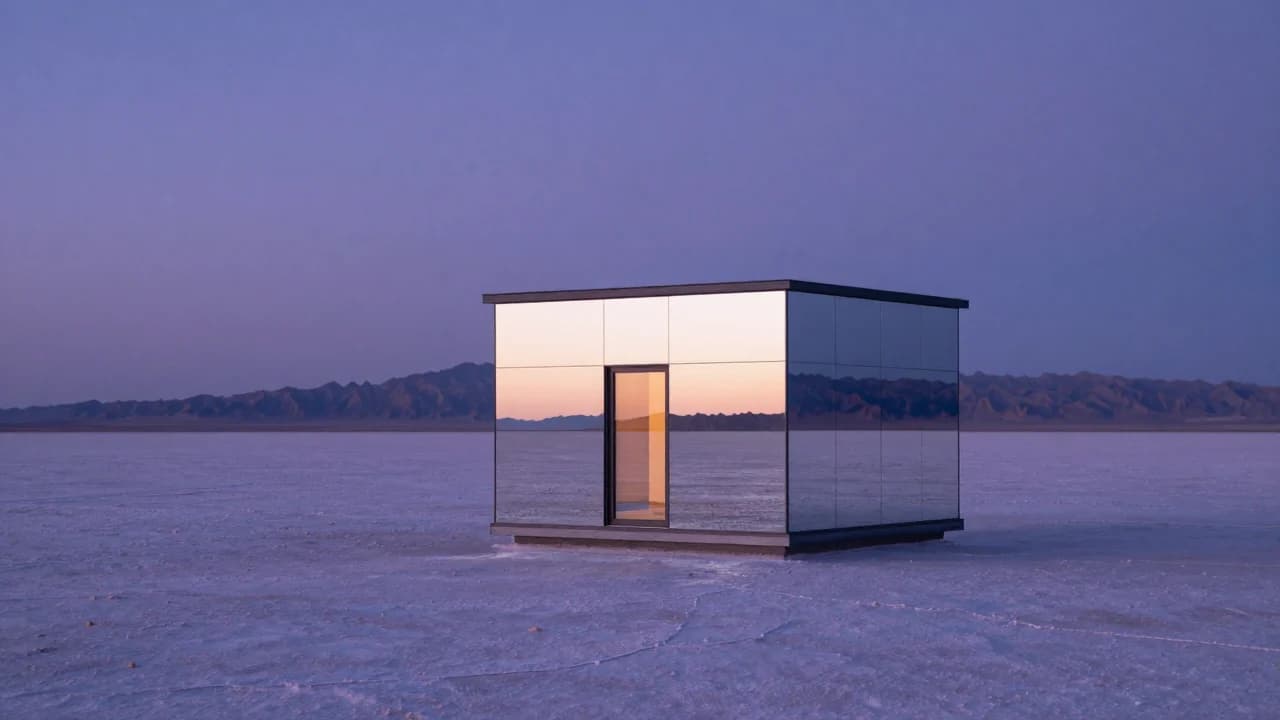
Common Z-Image Prompt Mistakes and How to Fix Them
Fix vague quality words, conflicting lights, overloaded scenes, ambiguous counts, plastic skin, impossible reflections, and unreliable generated text.